
Connect your inbox. Let DraftBox write the first reply.
DraftBox connects to your email account, receives the emails you get, generates AI-powered replies and puts them back into your drafts. You keep using the same inbox and the same client – you just stop starting from a blank page.
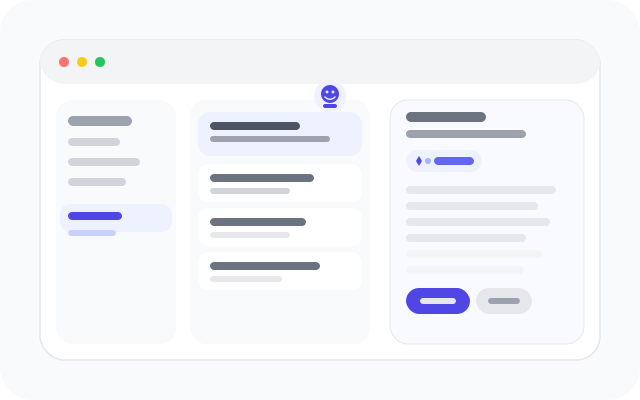
From inbox overload to prepared replies
Replace blank-page anxiety and slow response times with a steady flow of ready-to-edit drafts in the inbox you already use every day.
Reactive & Draining
Inbox Overload
High email volume with no help prioritising or getting started.
Blank Page Every Time
Replies start from scratch, even for common questions and updates.
Inconsistent Tone
Different people write very different replies to similar emails.
Slow Response Times
Important emails wait because writing a good reply feels heavy.
Prepared & Controlled
First Drafts Prepared For You
New emails trigger AI-generated replies that appear directly in drafts.
Same Inbox, Same Client
No new app to learn – you keep using your existing email client.
Consistent Tone & Signatures
Organisation settings keep branding, tone and signatures aligned.
You Stay In Control
You review, edit and send – nothing is sent automatically on your behalf.
Features that keep your replies moving
DraftBox is designed for people and teams who live in email. These core features help you turn high-volume inboxes into manageable, on-brand replies without losing control.
Secure OAuth connection
Connect your mailbox using OAuth with your email provider – no passwords or encryption keys are shared with us.
- Connect in a few clicks
- No password storage
- Works with existing providers
AI-generated drafts
When a new email arrives, DraftBox prepares a context-aware reply and saves it into your drafts folder.
- Replies written automatically
- Context from the original message
- Always saved as drafts first
Individual assistant mode
Use DraftBox as a personal assistant in the inbox you already use – you stay in control of every send.
- Ideal for high-volume roles
- Edit or ignore any draft
- No change to your daily tools
Organisation admin panel
Run DraftBox across a whole domain with central controls for connections, usage and oversight.
- Domain-level management
- Invite and manage users
- Visibility on connected mailboxes
Signatures, images & style
Respect the way your emails already look – from signatures and logos to tone-of-voice and disclaimers.
- Organisation signatures
- Support for logos and banners
- Configurable reply tone
Security & privacy by design
Built to help you reply faster without taking ownership of your email or creating a separate archive.
- No passwords stored
- No long-term mailbox archive
- Clear organisation visibility controls
See DraftBox in Action
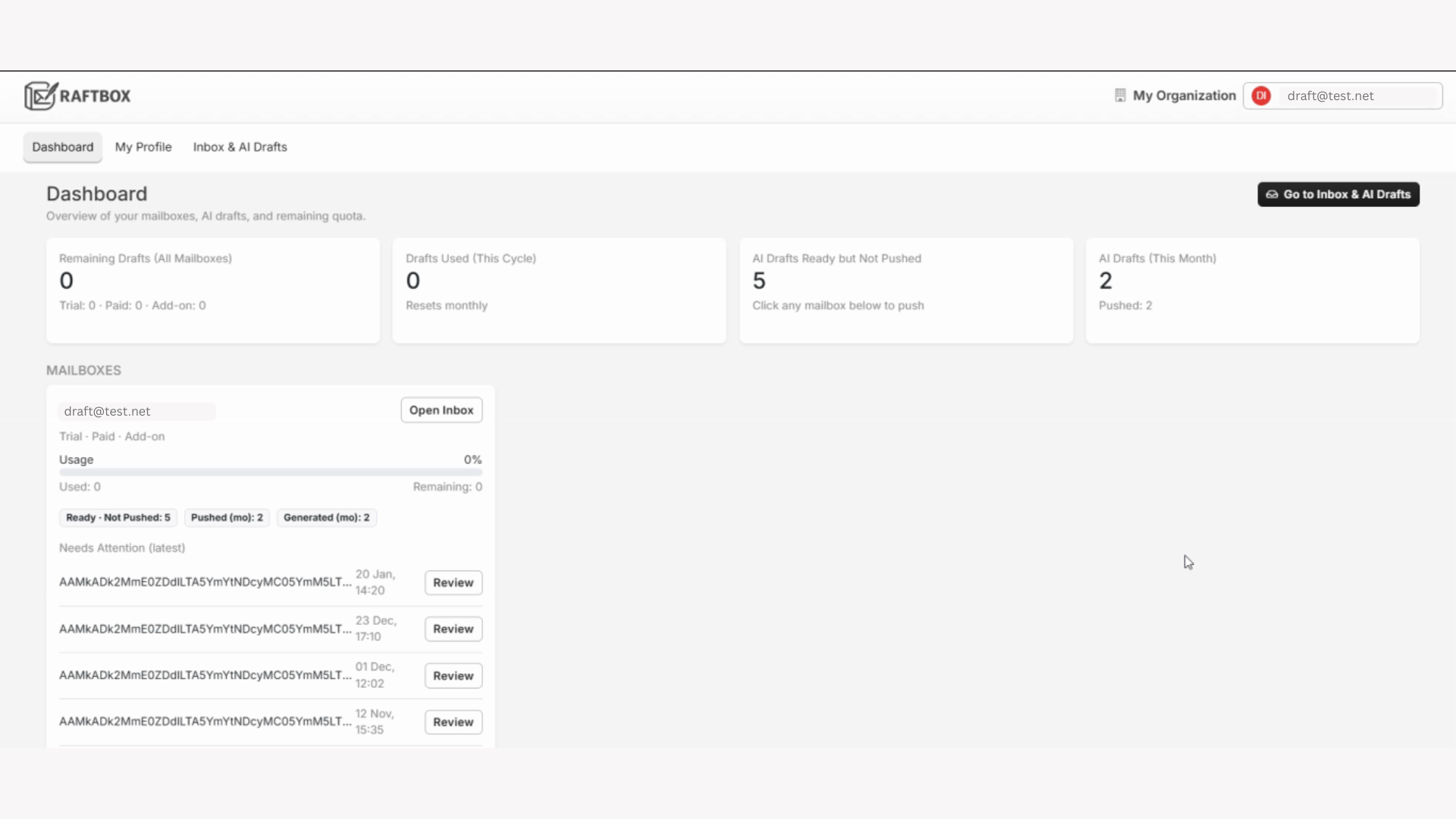
Watch how DraftBox connects to your inbox, prepares AI-written replies, and places them safely into your drafts — ready for you to review and send.
Why Teams Choose DraftBox
Drafts Inside Your Inbox
AI replies appear directly in Outlook or Gmail drafts — no new tool to learn.
Human Approval, Always
You review, edit and send every message. Nothing is ever sent automatically.
Secure by Design
OAuth connections, no passwords stored, and no long-term email archiving.
Built for modern, email-heavy teams
DraftBox works best for roles and organisations where email is the primary way work gets done – from individual professionals to whole support or client-service teams.
People who live in their inbox
Use DraftBox as a personal assistant inside the email account you already use every day.
- Connect your own mailbox securely via OAuth
- Drafts appear in your normal drafts folder
- Edit, send or delete any suggestion
People replying to high volumes of messages
Keep response times down and quality up, even when the inbox is busy.
- Drafts prepared for common questions and updates
- Consistent tone and structure across replies
- Less time typing, more time solving problems
Leaders who want scalable assistance
Roll DraftBox out across a whole domain with clear controls and oversight.
- Organisation panel for your email domain
- Invite employees and manage access centrally
- Align usage with internal security and email policies
Early Access
See how DraftBox can help your team reply faster, maintain consistent tone and reduce email overload with AI-generated drafts.